Your cart is currently empty!

$140.00 – $159.00
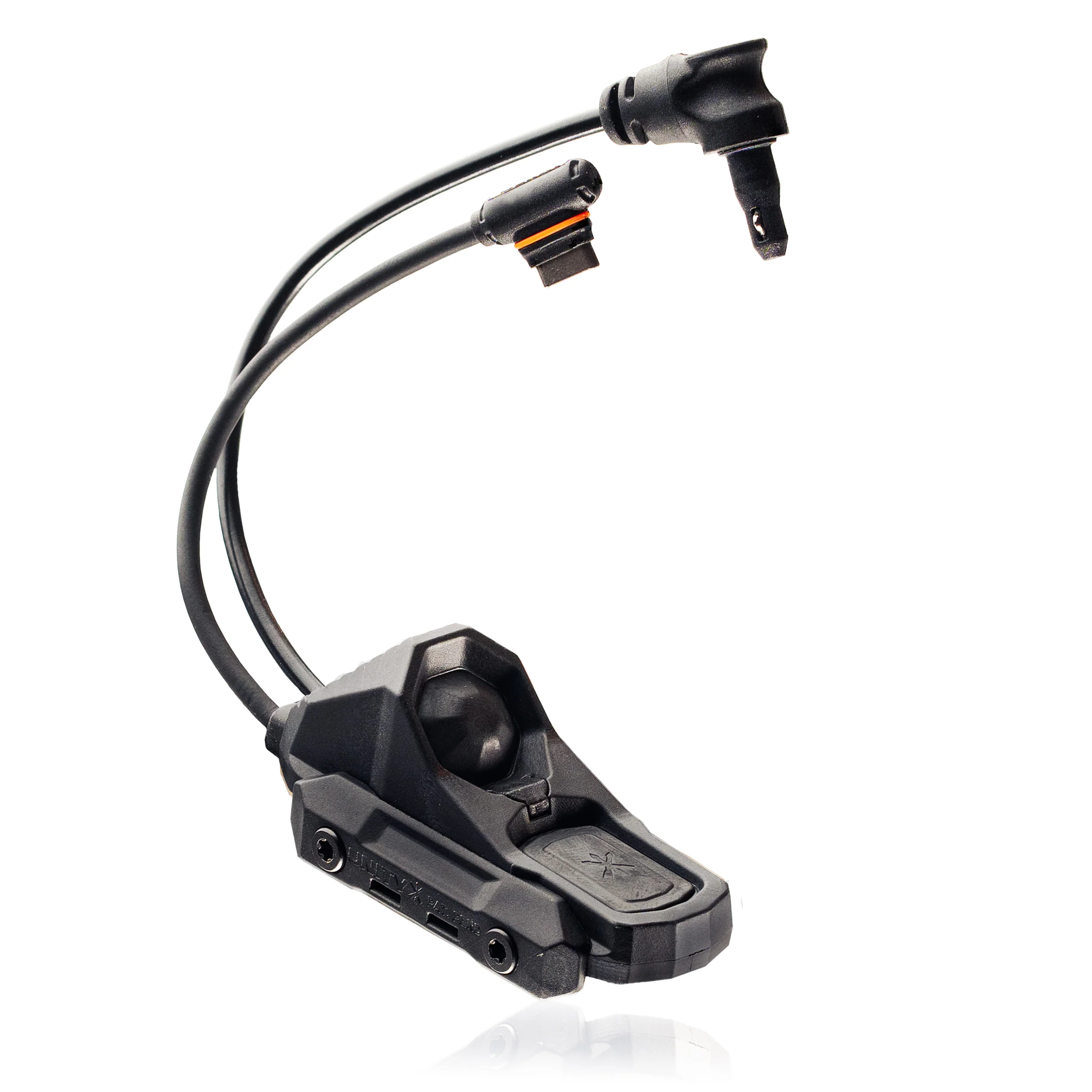
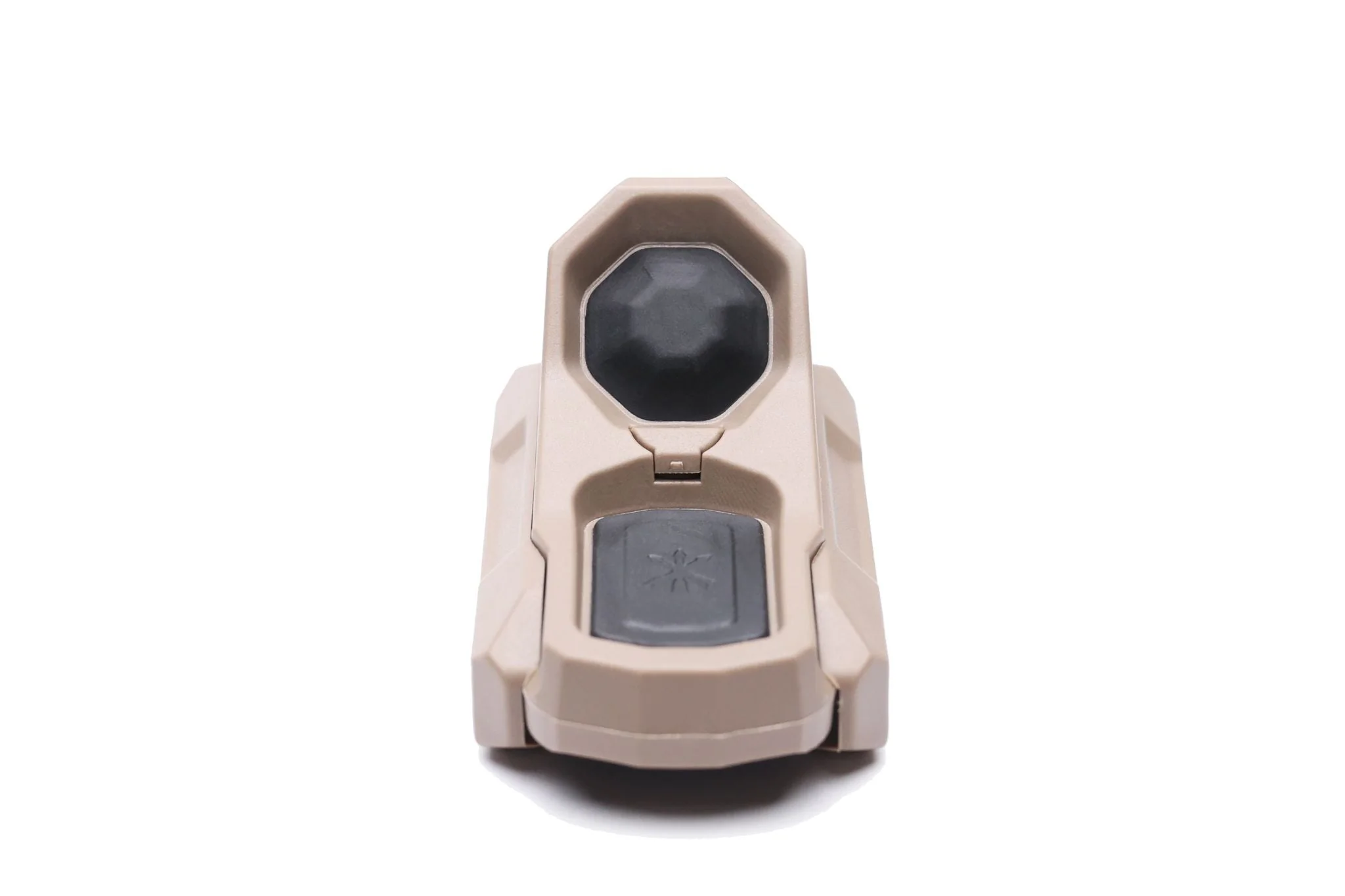
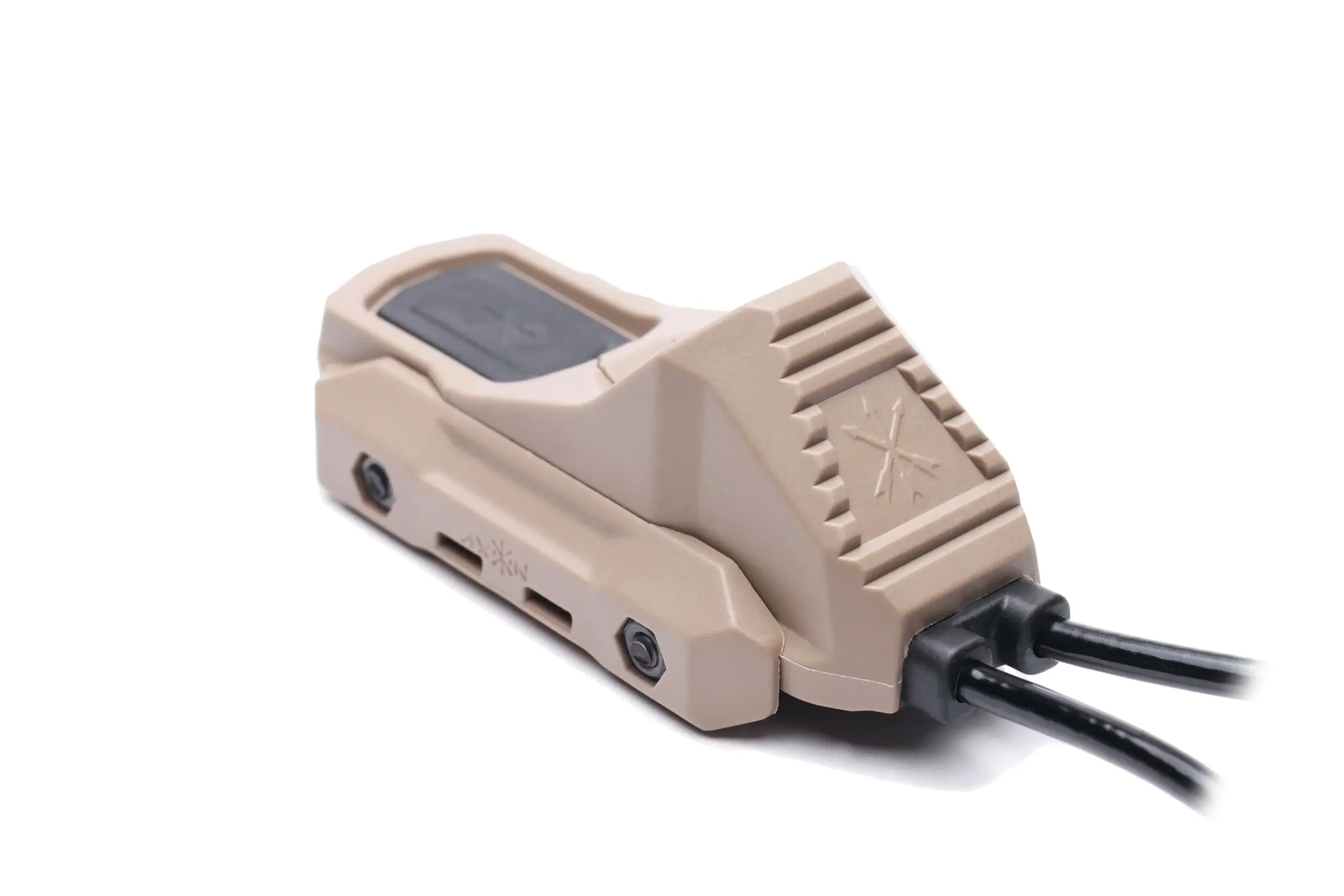
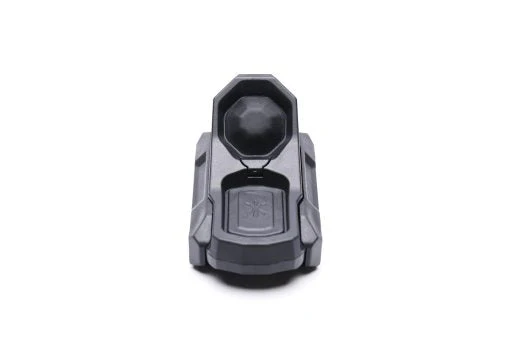
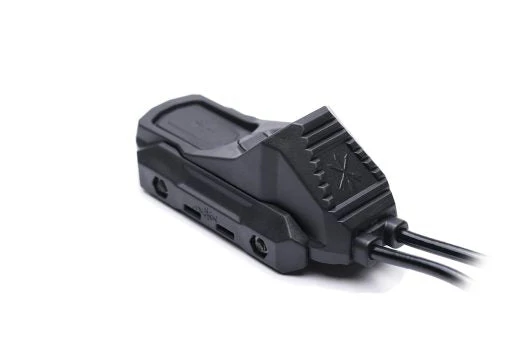
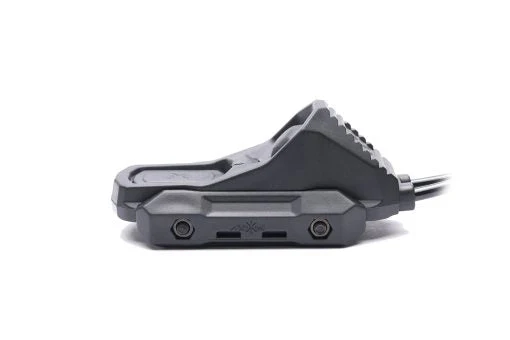
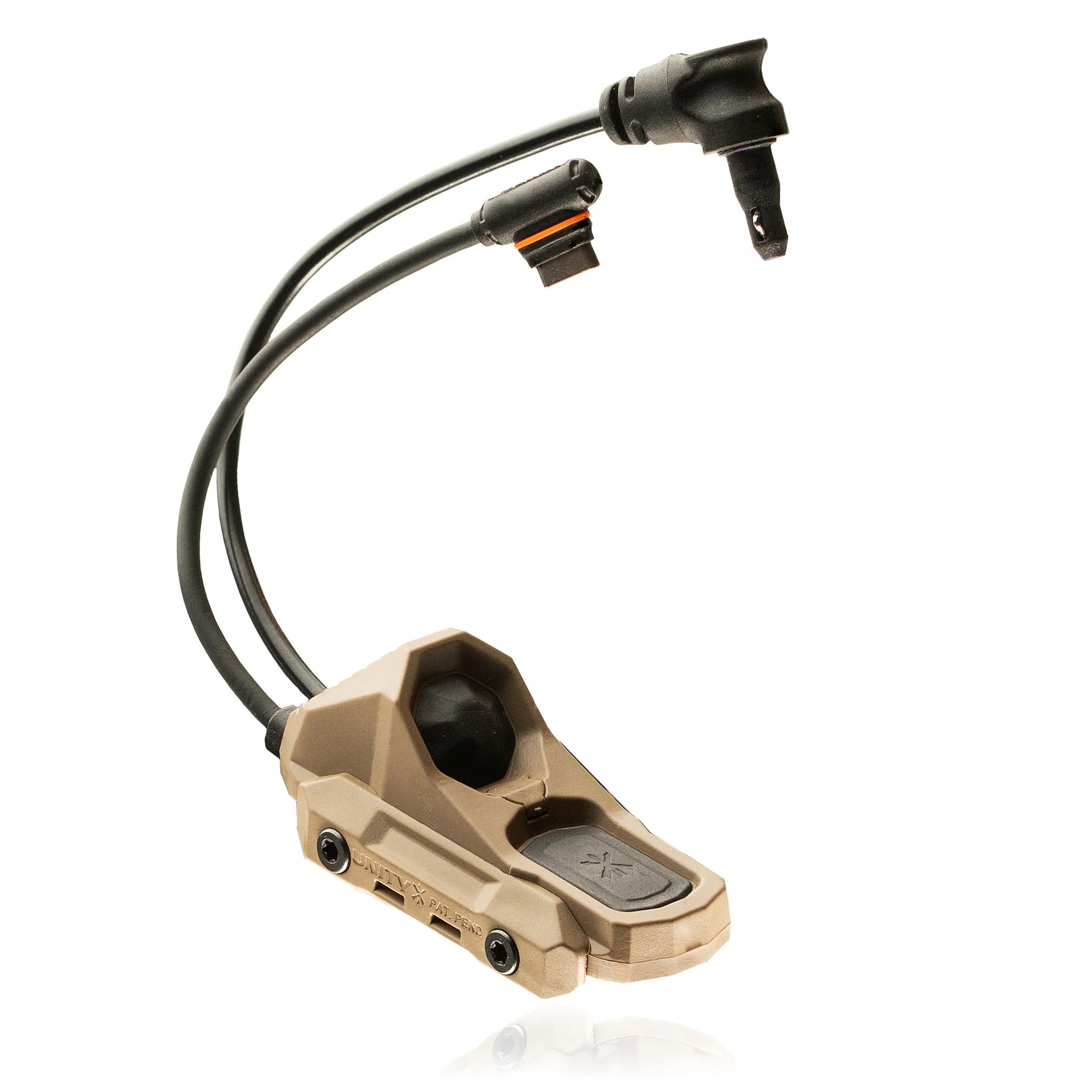
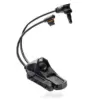
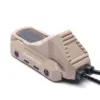
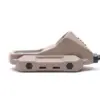
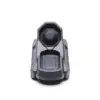
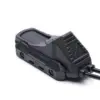
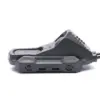
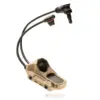
The full-size Unity Tactical AXON controls a weapon light and laser from two buttons on a single rail-mounted housing. The angled button controls the light or both devices, depending on the selected configuration. The flat button controls the laser.
Standard or SYNC
- Standard: Angled button activates the light; flat button activates the laser. Each device operates independently.
- SYNC: Angled button activates the light and laser together; flat button activates the laser independently. Light-only activation is not available.
- Connections: LINK USB-C for the light, Crane Plug for the laser
- Activation: Momentary and constant-on light control; momentary laser control
- Tail cap: Unity GASCAP required, sold separately
- Mounting: M1913 Picatinny; M-LOK with the AXON mounting plate
- Lead length: 4.5″ or 7″
- Color: Black or FDE
- Includes: Switch and mounting hardware; tail cap not included
- Availability: Ships in 1–3 days
Unity Tactical AXON LINK USB-C
The full-size AXON controls a weapon light and laser from two buttons on one rail-mounted housing. The angled and flat buttons provide distinct control surfaces, allowing both devices to be operated from a single support-hand position.
This version uses a LINK USB-C lead for the weapon light and a right-angle Crane Plug lead for the laser. Choose Standard or SYNC according to the activation behavior you need.
Standard or SYNC
Both configurations have two buttons and two leads. The difference is how the angled button operates.
| Configuration | Angled Button | Flat Button |
|---|---|---|
| Standard | Light only | Laser only |
| SYNC | Light and laser together | Laser only |
Standard: The angled button activates the light, and the flat button activates the laser. Each device can be operated independently.
SYNC: The angled button activates the light and laser together. The flat button retains independent laser activation. SYNC does not provide light-only activation from the AXON.
Wiring and Connections
The AXON LINK USB-C has two integrated leads. Both exit the switch housing and connect directly to their respective devices.
- Light lead: LINK USB-C plug connects to the Unity Tactical GASCAP tail cap on the weapon light.
- Laser lead: Right-angle Crane Plug connects to the laser’s compatible remote-switch port.
No separate splitter is required. The physical connections are the same for Standard and SYNC; the difference is which devices activate when each button is pressed.
LINK USB-C and Crane are different interfaces and are not interchangeable.
Button Operation
Angled button: Provides momentary activation with pressure and constant-on activation with a click. A second click turns the constant-on function off.
On Standard, this button controls the light. On SYNC, it controls the light and laser together.
Flat button: Provides momentary laser activation. The laser operates while the button is held.
Where supported, additional laser activation functions depend on the laser’s own control system.
Light Compatibility: LINK USB-C
The LINK USB-C lead requires a compatible Unity Tactical GASCAP tail cap.
The GASCAP provides the LINK USB-C connection and an integrated tail-cap button. It allows direct control of the light at the tail cap in addition to control through the AXON.
The SureFire UE and DS00 tail caps use a different remote-switch connection and do not accept the LINK USB-C plug.
GASCAP is sold separately.
Laser Compatibility: Crane Plug
The laser lead terminates in a right-angle Crane Plug for lasers equipped with a compatible Crane remote-switch interface.
Examples include:
- L3Harris ATPIAL / PEQ-15
- B.E. Meyers MAWL
- Wilcox RAIDx
Confirm the remote-switch interface for the specific laser model and configuration before ordering.
Choosing Between AXON and ModButton Lite
The main differences are the number of controls, whether devices activate independently or together, and whether constant-on activation is available at the rail.
| Switch | Control Arrangement | Constant-On at Rail |
|---|---|---|
| ModButton Lite, Single Lead USB-C | One button controls one device | No |
| ModButton Lite, Dual Lead USB-C | One button activates two connected devices together | No |
| AXON SL USB-C | One button with configuration-dependent activation | Yes, for supported light configurations |
| AXON Standard | Two buttons with independent light and laser control | Yes, light |
| AXON SYNC | Two buttons with combined light/laser activation and independent laser control | Yes, light |
Two single-lead ModButton Lites can provide independent controls at separate mounting positions. A compatible SNAP ModButton Lite adapter can place both switches together.
The full-size AXON places two distinct buttons in one housing and provides constant-on activation at the rail.
For an AXON using a different light connection, see the Unity Tactical AXON product page.
Mounting and Placement
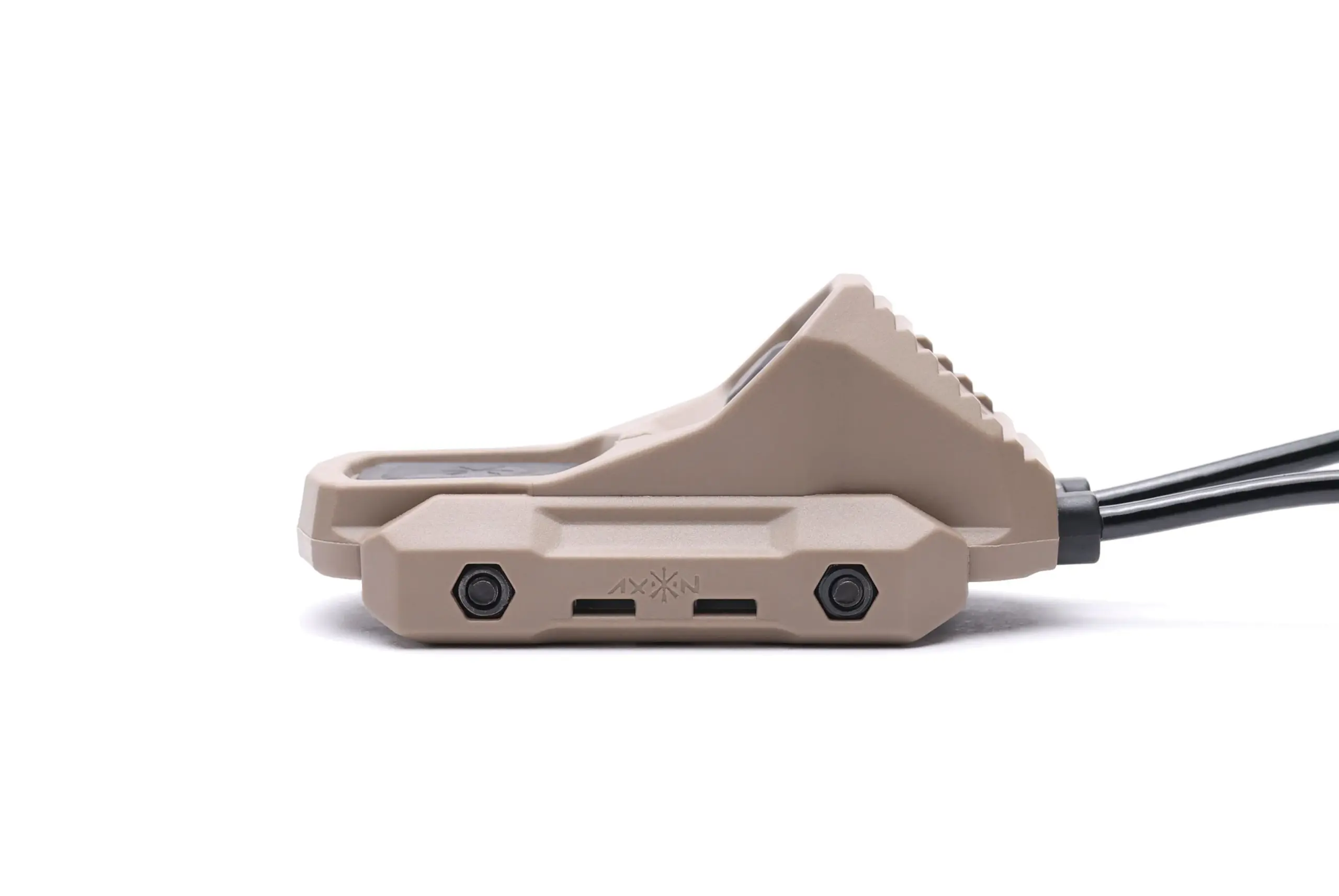
The AXON mounts directly to an M1913 Picatinny rail using its integrated mounting interface.
For compatible M-LOK mounting surfaces, use the Unity Tactical AXON M-LOK mounting plate, sold separately.
The angled and flat buttons have different shapes that can be distinguished by touch. Position the switch so both controls are accessible from the intended support-hand grip.
Route the leads close to the handguard, avoiding excessive heat, sharp edges, and exposed snag points.
Lead Length
Choose between 4.5″ and 7″ lead lengths.
Both leads in a given configuration are the same length. The leads are integrated into the switch assembly and cannot be adjusted independently.
Select the length according to the intended AXON mounting position and the locations of the light tail cap and laser remote-switch port.
Construction
- High-impact polymer housing
- Two distinct control surfaces: angled and flat
- Two integrated leads
- Integrated M1913 Picatinny mounting
- Black or FDE finish
Specifications
| Product | Unity Tactical AXON LINK USB-C |
|---|---|
| Configuration | Standard or SYNC |
| Buttons | Two: angled and flat |
| Leads | Two integrated leads |
| Light Connection | LINK USB-C |
| Laser Connection | Right-angle Crane Plug |
| Light Activation | Momentary and constant-on |
| Laser Activation | Momentary |
| Lead Length | 4.5″ or 7″ |
| Mounting | M1913 Picatinny |
| M-LOK Mounting | Optional AXON M-LOK mounting plate |
| Colors | Black or FDE |
| Required Light Tail Cap | Unity GASCAP, sold separately |
Complete Your Setup
- Unity Tactical GASCAP: Required to connect the LINK USB-C lead to a compatible weapon light. Sold separately.
- Unity Tactical AXON M-LOK Mounting Plate: Alternative mounting option for compatible M-LOK handguards. Sold separately.
Availability: Ships in 1–3 days.
| Color | |
|---|---|
| Options | 4.5″ Standard/Non-SYNC USB-C LINK with 4.5″ Crane Laser Plug, 4.5″ SYNC USB-C LINK with 4.5″ Crane Laser Plug, 7″ Standard/Non-SYNC USB-C LINK with 7″ Crane Laser Plug, 7″ SYNC USB-C LINK with 7″ Crane Laser Plug |